

Getting started
Start with your account.
A phone, a passkey. Then your store, with our help.
- Account, then store
- Name, business type and address
- Products from the catalogue or a file
- Cashier and register pairing
Setup is in French or English. Add a logo and hardware later; your progress is saved.
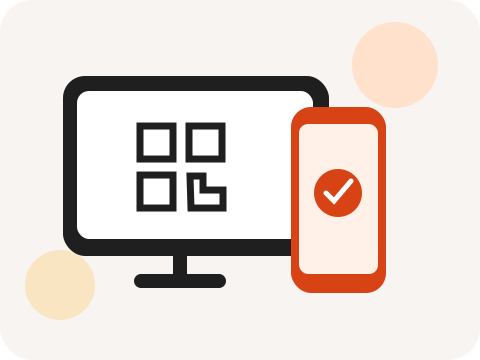
From account to prepared register in four steps
Create the account and prepare the shop
With an internet connection, enter your phone number and create the passkey requested by your device. You can then sign in using that device’s fingerprint or unlock code. Signup and management are available in French and English.
Enter the shop’s name, business type and address. Check its country, currency and time zone before confirming. The logo is optional and can be added later. Saved steps remain available if you need to pause and continue preparation another time.
Add products and save their prices
Find useful references in the shared catalogue and set your selling prices. Create any missing articles yourself. If you start with CSV or Excel, map its columns, match categories and check the preview before confirming the import.
Review a few representative products: barcode, variant, price and selling unit. At least one product with a saved price is needed to continue the setup flow.
Prepare the cashier and pair the register
Create a cashier profile for yourself or an employee, set a four-digit PIN and check that it is active. The PIN is used on the register; it is separate from your account’s passkey.
Have the chosen equipment’s compatibility confirmed. While connected to the internet, open your phone’s camera, scan the QR code displayed on the register, choose the correct shop and confirm pairing.
Synchronize and check before opening
Let the register receive its products and cashier access before service. Check scanning or favourites, the displayed price and printing if you use a compatible printer. To prepare for outages, arrange an offline check with support and verify synchronization when the connection returns.
A configured register can save sales offline. The management website needs internet and receives those sales after synchronization. The free tier stays free, and support is available 24/7 to help you prepare.
Ready to start?
A forever-free tier. Support available 24/7.